 Orbis AI

Secret photo vault app for iPhone and AndroidNobody knows it’s a vault.
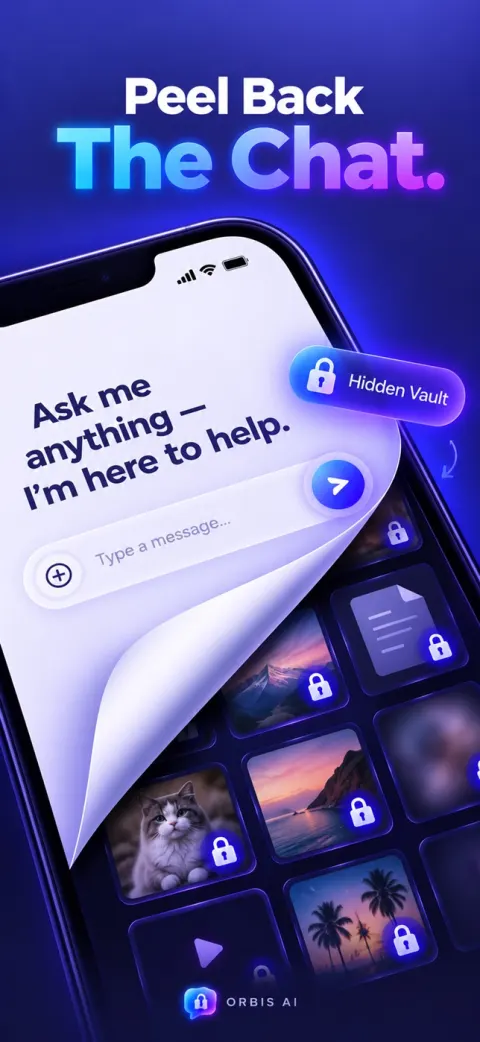
Orbis AI opens to a working AI chat. Ask it anything. Type your secret passphrase instead, and your hidden photos, videos, documents and notes appear.
Ask me anything — I’m here to help.
Try it: type orbis in the chat, or .
Orbis AI is a free secret photo vault for iPhone and Android, disguised as a working AI chat app. Anyone who opens it sees an ordinary chatbot. Type your own passphrase into the chat and the vault opens, with your hidden photos, videos, documents and notes encrypted using AES-256. A 4-digit PIN mode is also available.
What happens to files you put in the vault?
They disappear from view. Photos, videos, documents and notes move into Orbis AI and leave your camera roll. Inside, they are encrypted with AES-256 and open only for your passphrase or PIN.
- AES-256encryption
- 0accounts needed
- 30sfastest auto-lock

How does the AI chat disguise work?
Orbis AI is a chat app first. The vault exists only for the person who knows what to type.
Open it like any AI app
The first screen is a chat assistant that answers questions. Someone borrowing your phone sees nothing else.
Type your passphrase
You choose the phrase. Sent as a chat message, it unlocks the vault instead of getting a reply.
Your vault opens
Photos, videos, documents and notes, all encrypted. Leave it and Orbis AI locks itself again.
What can you hide in Orbis AI?
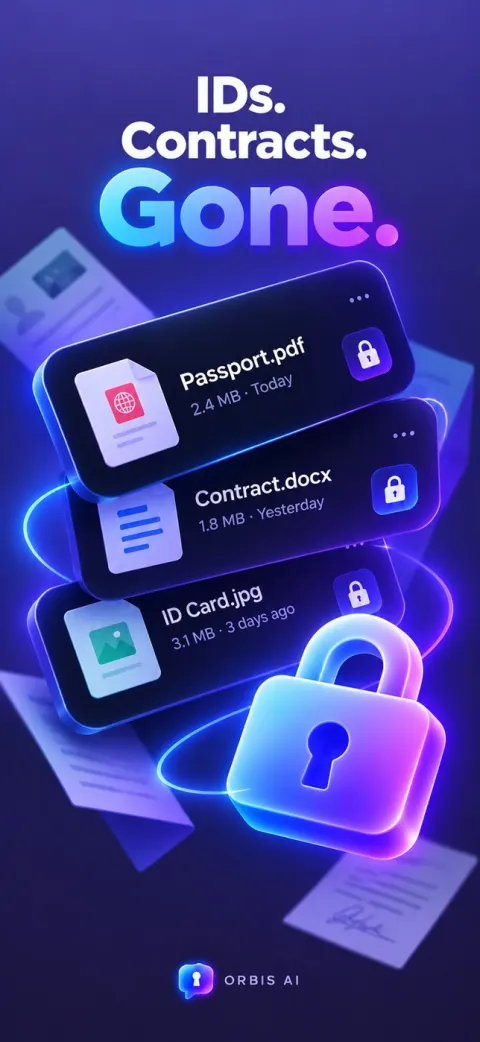
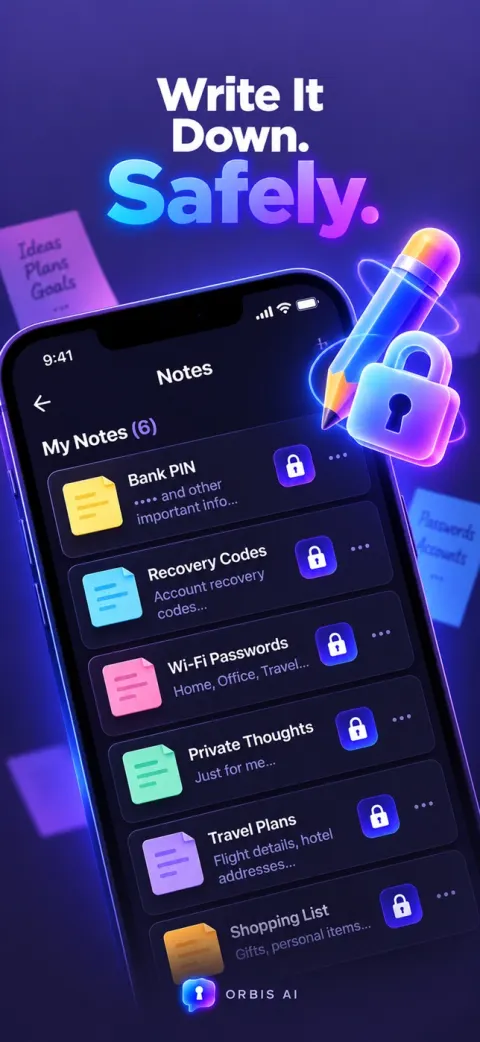
Anything you would not want someone scrolling past. Files you move in disappear from your camera roll.
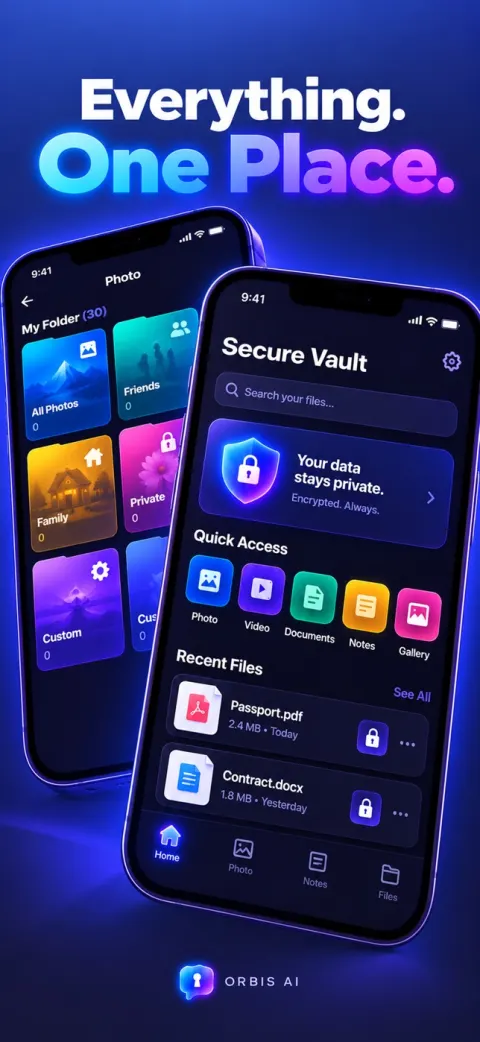
How do you unlock the vault?
Pick the one that fits the moment. You can switch between them in the app.
Chat mode
When you want nobody to suspect a thing
The vault hides behind the AI chat. Type your personal passphrase as a message to open it. To anyone watching, you are just talking to an assistant.
PIN mode
When you want to get in fast
A classic 4-digit PIN screen. Enter your code and everything is there, with no chat step in between.
Can you change the app icon?
Don’t want the default logo on your home screen? Pick a different icon in the app. Some of them look like any other chat app, which is the point.

Can you move the vault to a new iPhone?
On iPhone, turn on iCloud backup and your vault follows you. Photos, videos, documents and notes are encrypted before they leave your phone, then restored on the new one in a single tap.
- Encrypted before upload. Your iCloud holds only scrambled files that open with your passphrase or PIN.
- One-tap restore. Install Orbis AI on your new iPhone and bring the whole vault back.
- Your choice. Backup is off until you turn it on, and you can turn it off anytime.
How does Orbis AI keep your files private?
Your files stay on your device, encrypted. Nobody else holds a key.
- AES-256Files are unreadable without your passphrase or PIN. The Orbis AI team cannot open them either.
- iCloud backupOptional, on iPhone. Files are encrypted before upload, so you can switch phones and restore in one tap.
- Auto-lockLocks itself after 30 seconds, or 1, 3, 5 or 10 minutes. Leave your phone on the table without thinking twice.
- No accountNo sign-up, no email, and nothing uploaded to our servers.
How do you hide photos on your phone?
Guides to the built-in options on iPhone and Android, and what to check before you trust a vault app.
How to Hide Photos on iPhone: 3 Ways Compared
The Hidden album, a locked note, or a vault app. What each one actually keeps private.
Read the guideHow to Hide Photos on Android: 3 Ways Compared
Google Photos Locked Folder, Samsung Secure Folder, or a vault that does not look like one.
Read the guideSecret Photo Vault App: 6 Things to Check
Six checks before you trust an app with private photos, from encryption to the disguise.
Read the guideCalculator Vault Alternative: AI Chat Disguise
Fake calculators are the best-known disguise. What an AI chat disguise does differently.
Read the guideWhat else do people ask about Orbis AI?
What people ask before they trust an app with their private files.
What is Orbis AI?
Orbis AI is a private vault for iPhone and Android that is disguised as an AI chat app. It opens to a working chat assistant, so anyone looking at your screen sees an ordinary AI app. Typing your secret passphrase into the chat unlocks the vault where your hidden photos, videos, documents and notes are kept.
How do I hide photos on my iPhone without anyone knowing?
Move them out of the Photos app and into a vault that does not look like one. In Orbis AI you import photos into the vault, and once moved they no longer appear in your camera roll. The app itself opens to an AI chat, so its icon and first screen give nothing away.
Is Orbis AI a real AI chat or just a fake screen?
It is a real, working chat. You can ask it questions and get answers, which is what makes the disguise hold up when someone picks up your phone. The vault only appears when the message you type is your own passphrase.
What if I prefer a PIN code?
Switch to PIN mode. The vault then opens with a 4-digit code instead of a chat passphrase. You can change between chat mode and PIN mode inside the app.
Can I change the Orbis AI app icon?
Yes. If you would rather not see the default logo on your home screen, choose one of the other icons inside the app. Some of them look like an ordinary chat app, so the icon gives away even less.
How are my files protected?
Files in the vault are encrypted with AES-256 and are unreadable without your passphrase or PIN. Orbis AI needs no account, does not upload your files to its own servers, and the team behind it cannot see what you store.
Can I back up the vault and move it to a new iPhone?
On iPhone, yes. Turn on iCloud backup and your photos, videos, documents and notes are encrypted before they are uploaded to your own iCloud. On a new iPhone, install Orbis AI and restore the vault in one tap.
What happens if I forget my passphrase?
Keep it somewhere safe, such as a password manager. Orbis AI does not store your passphrase on any server, so the team cannot reset it or open the vault for you.
Is Orbis AI free?
Orbis AI is free to download on the App Store and Google Play, and needs no account. An optional upgrade unlocks unlimited storage and removes ads. It runs on iPhone with iOS 15 or later and on Android phones.
Your private files, behind the last disguise anyone would suspect
Free on iPhone and Android. Upgrade anytime for unlimited storage and no ads.